Scope for Canvas · free Chrome extension for Canvas and Brightspace
The LMS where students actually do the work.
Scope for Canvas is a free, local-first Chrome extension that searches everything in your Canvas and Brightspace courses and answers questions with citations to your own course materials. Lectra Notes, its free iPad app, is where you mark up the reading with Apple Pencil and run the notebook.
Works with Canvas and Brightspace · No account required · Free
The problem
The course lives in the LMS. The work lives everywhere else.
Files, assignments, and grades sit in the system your school runs. The reading gets annotated in one app, the code written in another, the questions asked somewhere else entirely. The LMS only ever sees the final upload.
Goodnotes knows the notebook but not the course. Canvas knows the course but not the work. We connect them.
Today’s loop
Find. Work. Back.
Shipping now · free
⌘K in the browser
Every file, page, and assignment across your courses — searched on your device, answers cited to the source.
Lectra Notes on iPad
Ink the reading, run the notebook, keep the library offline. Polya when you're stuck on a step.
Into supported upload flows
Finished files come back to the browser and into supported upload flows. DropBridge carries them.
Scope for Canvas — Chrome
Search every Canvas and Brightspace course, one keystroke away.
- Instant, local searchIndexed on your device, including the text in scanned PDFs.
- Cited course answersAsk about the course; every answer points back to the page it came from. Scope does not take quizzes, write submissions, or interact with Canvas quiz logs.
- Practice exams and a plannerBuilt from real course materials. Due dates, optionally in Google Calendar.
DropBridge — files move between browser and iPad, and back into supported upload flows
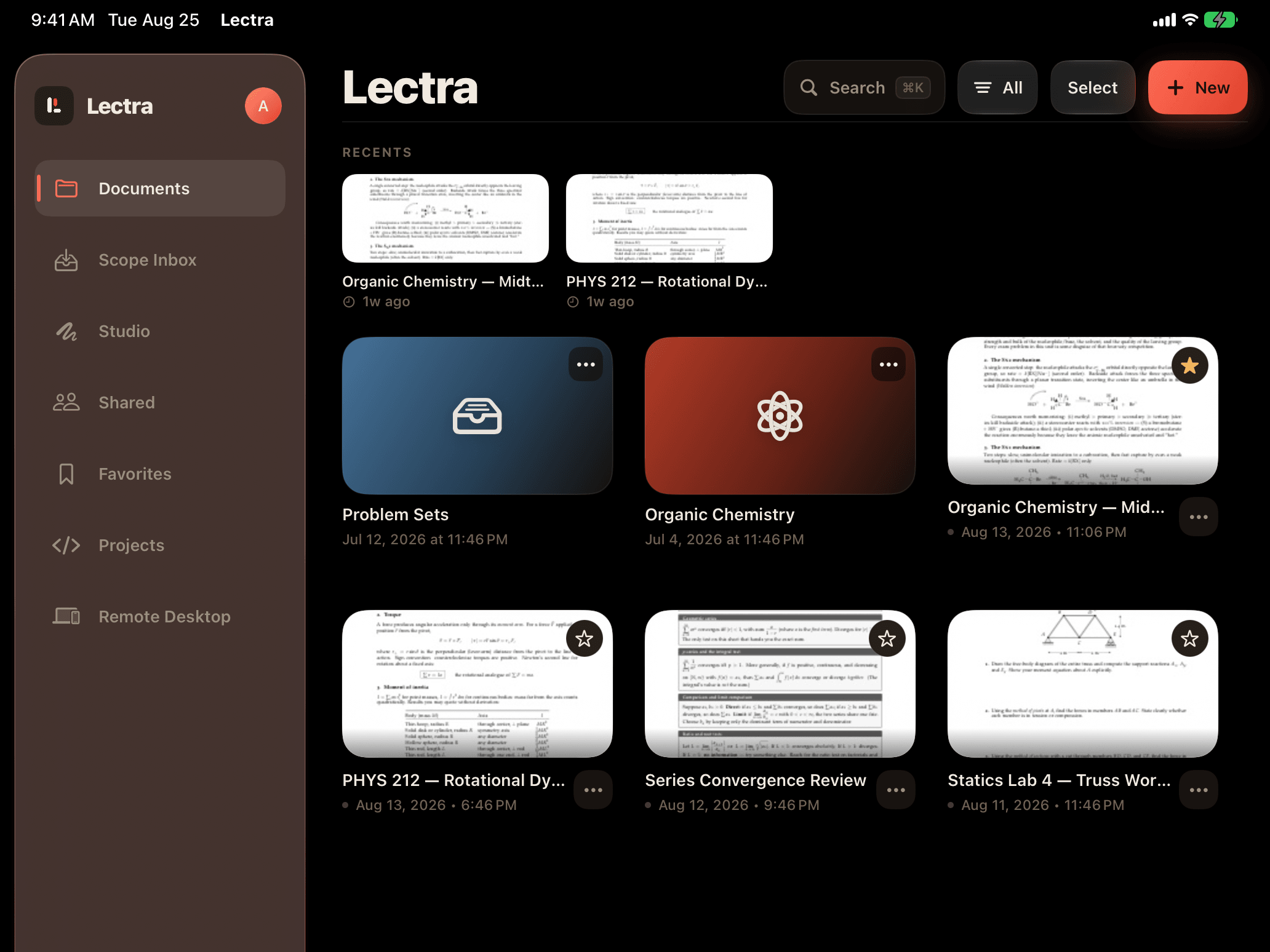
Lectra Notes — iPad · iPhone
The workspace for documents you think on.
- Apple-Pencil-first inkVector ink on PDFs, notebooks, and scans. Your library, offline.
- A real computing environmentPython notebooks, a terminal, and Git — offline, on the iPad.
- On-device document intelligenceOn supported devices. Anything that reaches the cloud is explicit and optional.
Polya — web
A tutor that knows the course.
Not a chatbot that knows everything and nothing. Polya grounds every hint in your actual course materials and cites the page, slide, or lecture moment it came from. Guided help that gets you to the answer — not past it.
Try Polya →Guided, not answer-dumping · every answer cited
Direction
The next LMS should not be a better filing cabinet.
It should be the course’s execution environment. Here is the path — plainly labeled.
What we’re building —
not what ships today
The student layer on top of the LMS your school already runs. The extension, Lectra Notes, Polya.
Instructors run the course in Scope — publishing, feedback, grading.
The course doesn't need the old system underneath. Replacement becomes a migration, not a leap.
Privacy
Local-first isn’t a feature. It’s the whole point.
Search and indexing run entirely on your device. AI answers try Chrome’s on-device model first; when it is unavailable, an optional, clearly marked cloud fallback is used.
How to check any Canvas extension before installing it →Start where you already are.
Scope enters through the LMS your school already runs. Install it, open a course, press ⌘K.
Works with Canvas and Brightspace · No account required · Free