Lectra Notes, the free note-taking app for iPad, iPhone, and Mac
The iPad note-taking app for the documents you think on.
Free, with no subscription, and it works without the extension.
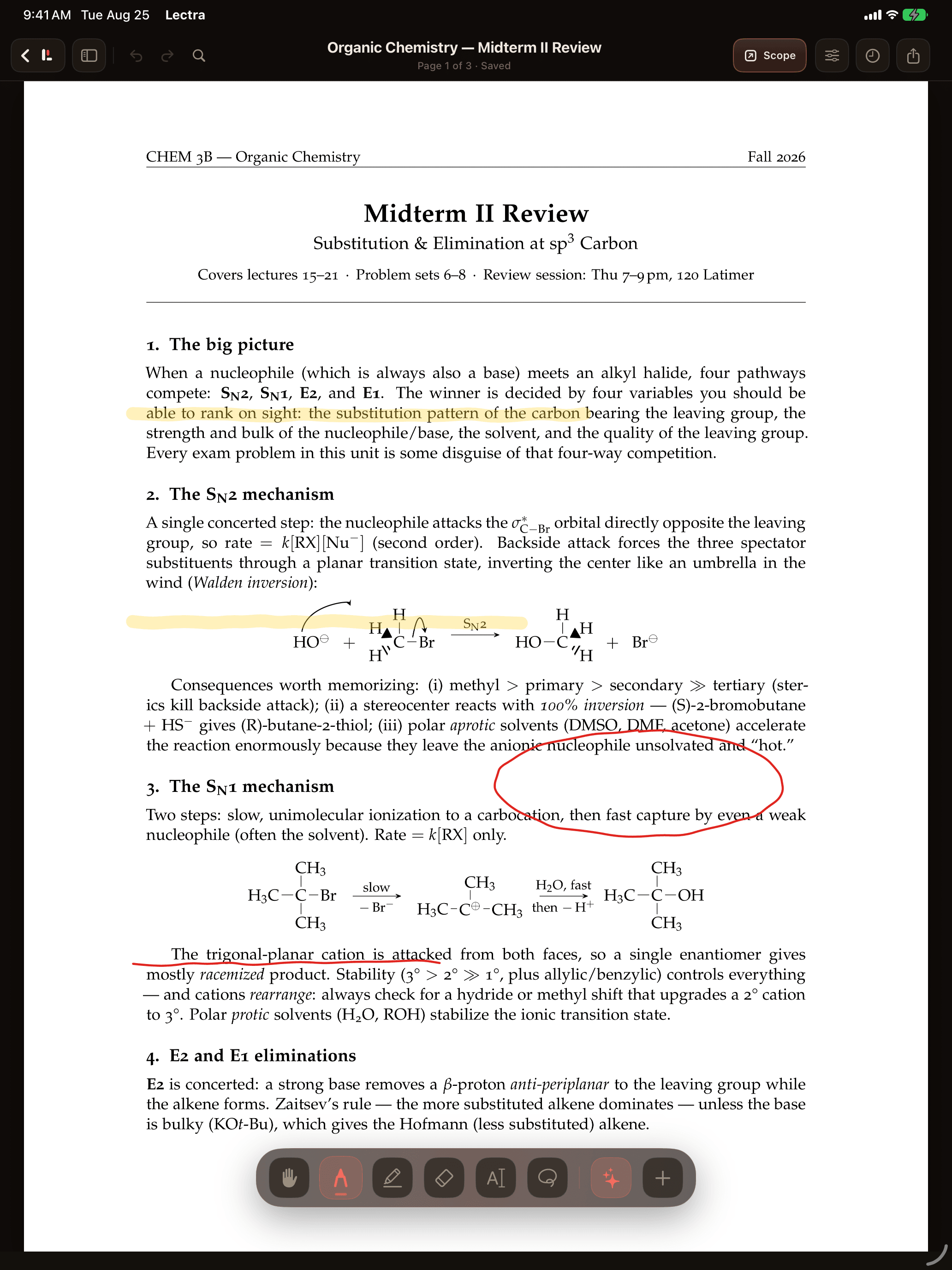
Ink, code, and the whole course library in one app.
Apple Pencil first
Vector ink on PDFs, notebooks, and scanned pages. It is low-latency and pressure-aware, and your handwriting is searchable, so you can find it again later.
A real computing environment
Python notebooks, a terminal, and Git run offline on the iPad, so the problem set and the code live on the same page.
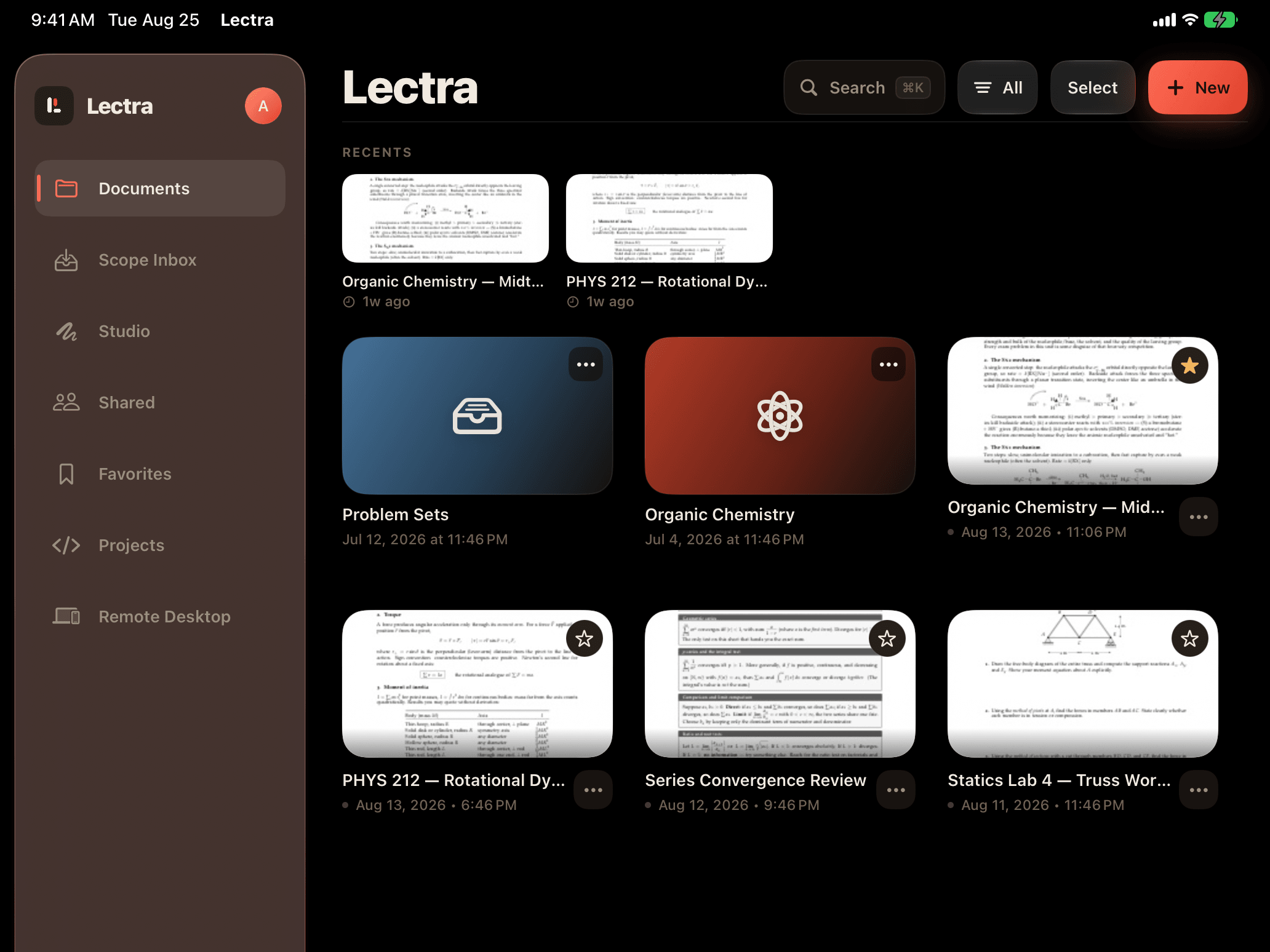
An offline, organized library
Send a PDF from Canvas to your iPad in one tap with the Scope extension. Everything opens on the train, in lecture, and in the library basement.
Notebooks in Lectra Notes
The notebook runs where the notes are.
Code cells run on the iPad, right next to the handwritten derivation they implement. There is no server to connect to and no switching between tabs.
import numpy as np
A = np.array([[2, 1], [1, 3]])
np.linalg.eigvals(A)
array([1.38196601, 3.61803399])
matches (5 ± √5) / 2 from the derivation
The .lectra format
A document you can actually hand to someone.
Ink, source, code, and outputs travel as one file. Send it to a study partner, submit it, or archive it, and it opens with everything still live.
- The PDFSource
- Your inkVector
- The notebook and its outputsRunnable
- Attachments and linksIntact
With the Scope extension
From Canvas to your iPad in one tap.
Send a PDF from Canvas to your iPad in one tap with the Scope extension, and finished files can come back into supported upload flows. Nothing moves automatically. You choose what to send, and Lectra Notes does not log in to Canvas on its own.
- Open the file in Canvas.Lecture slides, a reading, or a problem set. Any PDF in the course works.
- Tap Send to Lectra.The Scope extension delivers it to your Lectra Notes library, ready to mark up.
- Annotate with Apple Pencil.When you're done, the finished PDF can come back into supported upload flows.
Questions people actually ask.
What is Lectra Notes?
Lectra Notes is a free iPad and iPhone app from Scope for handwritten notes and Apple Pencil PDF markup, with Python notebooks, a terminal, and Git that run on the device. It imports and organizes documents on its own, receives course PDFs sent from the Scope for Canvas extension, and can use private on-device intelligence for supported study aids.
How do PDFs get from Scope to Lectra Notes?
Send a PDF from Canvas to your iPad in one tap with the Scope extension. It lands in your Lectra Notes library ready to mark up, and finished files can come back into supported upload flows.
Do I need Scope to use Lectra Notes?
No. Lectra Notes imports and organizes documents on its own. The free Scope extension adds the one-tap handoff for sending course PDFs from Canvas to your iPad and bringing finished PDFs back into supported upload flows.
Does Lectra Notes sync with Canvas?
Not automatically. With the free Scope extension you send any Canvas file to Lectra Notes in one tap, and finished PDFs can come back into supported upload flows. Lectra Notes does not log in to Canvas or pull files on its own.
Does Lectra Notes keep my notes tied to the original course file?
Yes. A PDF sent from Scope stays linked to the course file it came from, so your annotations and finished exports stay in context.
Can finished Lectra Notes PDFs return to browser uploads?
Yes. The Scope extension adds an Attach from Lectra picker to supported browser upload flows, starting with Gradescope's upload dialog, so annotated PDFs can come back without digging through your downloads.
Is Lectra Notes available now?
Yes. Lectra Notes is available now on the Apple App Store as a free download for iPhone and iPad.
Is Lectra Notes free?
Yes, completely. There are no tiers, subscriptions, or paywalls, and there are no ads or third-party tracking. The notebooks, terminal, Git, code editor, and Lectra for Mac are all part of the free app.
Is Lectra Notes related to Lectra SA or the other 'Lectra' study apps on the App Store?
No. Lectra Notes is made by Scope Inc. and is unrelated to Lectra SA, the fashion-software company, and to other apps that use the name Lectra. The App Store listing is at apps.apple.com/us/app/lectra-notes/id6759754531.
Can Lectra Notes run Python?
Yes. Lectra Notes runs Python on the device, in standard .ipynb notebooks with numpy, pandas, and matplotlib and as python in the built-in terminal. Everything runs offline, and nothing is sent to a server to execute.
Does Lectra Notes record lectures?
Yes. Recording was added in version 8.0 on September 1, 2026. Lectra Notes records the lecture while you write, you can tap a stroke to hear what was said at that moment, and transcription runs on the device. It is new and has not been through a full semester of use yet. Notability and Goodnotes have years of polish on audio, and Notability offers transcription and AI summaries on its paid tiers.
How is Lectra Notes different from other note-taking apps?
Goodnotes and Notability run on more platforms and have had years longer to mature, and that includes their lecture-audio features, where Notability also offers transcription and AI summaries on paid tiers (checked September 1, 2026). What Lectra Notes adds is something they don’t have, a real computing environment beside your handwritten notes, with Python notebooks, a terminal with Git, a code editor, and SSH. It is also free with no subscription. The Lectra Notes vs Goodnotes and Lectra Notes vs Notability comparisons go through it feature by feature.
Does Lectra Notes work offline?
Yes. The library, Pencil markup, notebooks, Python, Git, and the terminal all work with no connection. The network is only needed for handoffs, backup, Git remotes, and SSH.
Bring the course to the page.
Lectra Notes is on iPad, iPhone, and Mac, and it is free.